Are your festive opening hours right everywhere guests look?
Between Christmas and 2 January, guests check hours before they book. Here is how to keep Google, your website and your phone saying the same thing.

Amelia Cooper
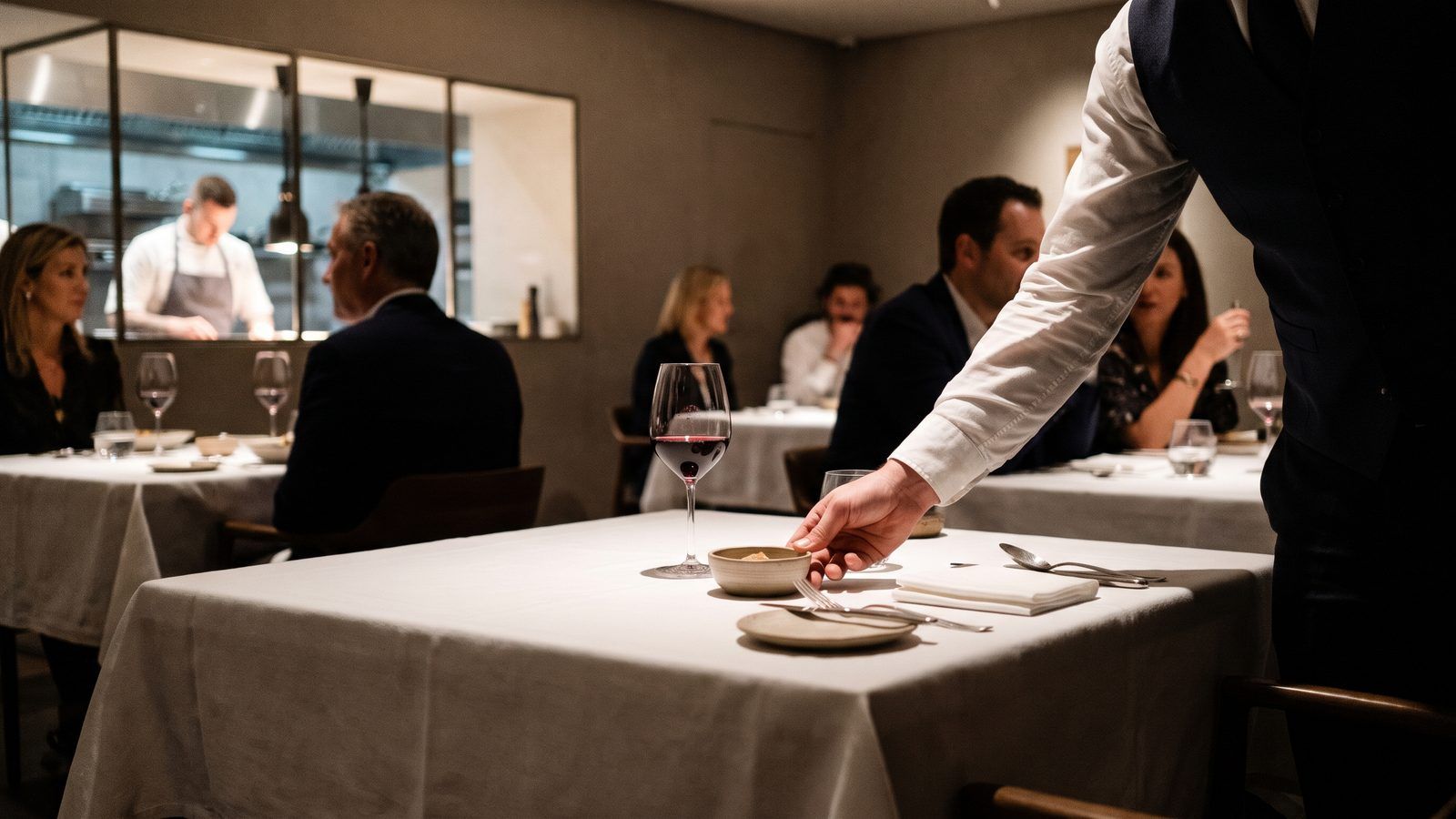
Between 20 December and the first week of January, a restaurant's normal week stops applying. The kitchen closes on the evening of the 24th, stays shut on the 25th, opens for a set menu on the 31st, rests on 1 January and reopens on the 2nd or the 3rd. The owner knows all of this. The guest does not, and checks before leaving home.
The risk is not that hours change. It is that they change in one place only. A restaurant that updates its door sign and nothing else has, for a guest searching on a phone, not changed its hours at all.
Where do guests actually check your hours?
More places than most owners list. Google Maps and the search panel come first, then the restaurant's own website, the Instagram bio, the booking page, the phone itself, and any third-party directory that copied the venue's details years ago. Increasingly there is a sixth source: an AI assistant asked "is this restaurant open on 1 January?", which answers from those same pages.
When the sources disagree, the guest believes whichever one they saw first. The restaurant pays for the wrong one.
What does a wrong listing cost?
A guest who arrives at a closed door is a table lost that evening and often a guest lost for good. A short review saying "closed although Google said open" stays visible long after the festive week has ended. We have not found French or EU figures that put a price on this, so we will not quote one. The logic is enough: a festive table is worth more than an ordinary one, and a missed one cannot be resold at the last minute.
Which dates catch restaurants out in 2026-27?
The obvious ones are 24, 25 and 31 December and 1 January. The less obvious point is the calendar. In 2026, 25 December and 1 January both fall on a Friday. Friday is a normal peak night, so regulars assume the door is open and do not look. Last bookings are the other trap. A restaurant open on the 31st may stop taking tables at 21:00, and a guest who sees only "open until midnight" will arrive at 22:30.
How do you check every listing in one sitting?
Set aside one hour and work in this order:
- Write one master schedule for 20 December to 4 January, day by day: open or closed, service times, last booking time, and whether the evening is the regular menu or a set menu.
- Enter it in your Google Business Profile as special hours for each date. This is done by the owner in Google's own tools.
- Copy the same wording into the website, the Instagram bio and the booking page, using the same times and the same words for "closed".
- Change the phone greeting or voicemail to say the festive dates once, plainly.
- Search for the restaurant on a phone, as a guest would, on 27 December and again on 2 January. Listings drift, and a directory can overwrite a correction.
The master schedule matters more than the tools. Once it exists, every other step is copying.
How does Deskadora help?
Deskadora does not edit your Google profile, and it does not replace the hour you spend on the steps above. It helps with the parts that sit on your side of the door.
The booking widget and your Deskadora booking page only offer the services and tables you have set up, so a guest cannot book a Friday you have closed. On paid plans the AI voice agent answers the restaurant's phone, takes and cancels bookings and transfers to staff when needed, so a caller asking about 2 January does not reach an empty room or a full voicemail. The free unlimited QR menu can carry the festive set menu with its price, and the menu pages are built to be found on Google and by AI assistants, which is where a guest looks before choosing where to book.
What is the simplest next step?
Write the master schedule this week, before the festive rush makes it harder. If you would like the booking page and the festive menu in one place, you can start with a free Deskadora QR menu and add reservations when you are ready.
FAQ
When should a restaurant publish its festive opening hours?
As early as the dates are certain, and no later than the start of December. Guests plan group meals weeks ahead, and the search for "open on 31 December" rises well before the week itself.
Can I rely on Google to show the right hours automatically?
No. Google may display regular hours or hours copied from another source unless the owner enters special hours. Check the listing yourself as a guest would, and again after the festive period, to confirm your regular hours are back.
What if my hours change at short notice?
Update the Google profile first, then the website and booking page, and tell anyone with an existing booking directly. Reminders and the phone line are the quickest way to reach guests who have already booked.
Related articles
Should you ask for a deposit on New Year's Eve?
New Year's Eve is the night an empty chair costs most. Here is when a deposit makes sense, how to set it fairly and how to resell tables that fall through.
How do you plan staff and stock when guests book later?
Guests book later and turn up less predictably. A simple pickup log, one flexible shift and firmer bookings let you set the rota and the prep with less guesswork.
Is your lunch service ready for the meal-voucher vote?
France is voting on supermarket use of meal vouchers. Whatever the result, weekday lunch is won on certainty. Four fixes to make before the winter.
Should your restaurant take reservations over WhatsApp?
WhatsApp adoption varies sharply across Europe, but for many guests it is the only app they already have open. What to check before switching bookings on there.
How many systems does it take to seat one table?
Most restaurants run more software than they realise, and the cost lands on staff attention. How to audit your stack before the autumn season.